Your retro classics,all in one app.
Retroflame is a retro game emulator for iPhone and iPad. Add the GBA, GBC, GB, NES and SNES game files you own and play them at full speed — with neon touch controls, save states, cheats, game controllers and local multiplayer.
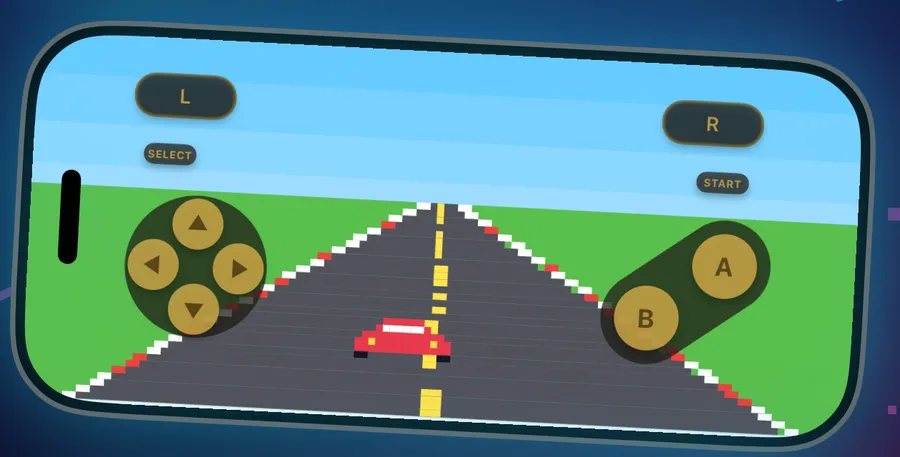
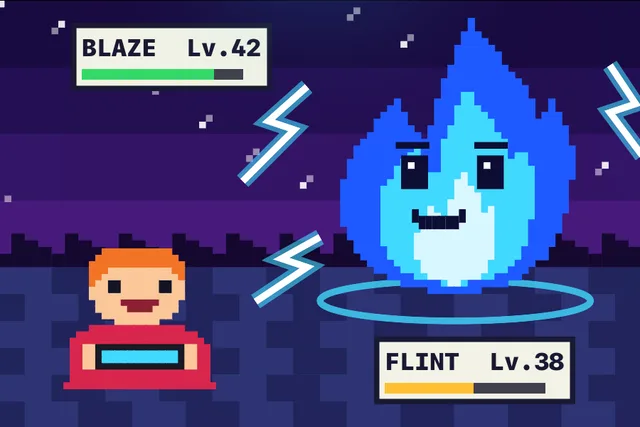
Built for playing, not fiddling
Import a game, tap it, play. Everything else is there when you want it.
Full speed, smooth play
Accurate emulation that runs at full speed in portrait and landscape, with fast-forward when you want to skip ahead.
A library that looks great
Your games sorted by system, with cover art, recently played and search. Use any screen from the game as its cover.
Save anywhere
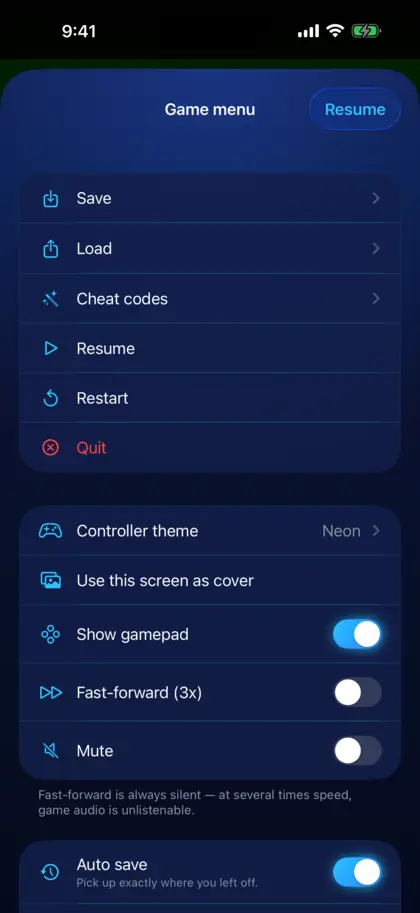
Save states let you stop at any moment and pick up exactly there. Auto save resumes where you left off.
Cheat codes
Enter GameShark, Action Replay, CodeBreaker, Game Genie and raw codes, and switch them on or off per game.
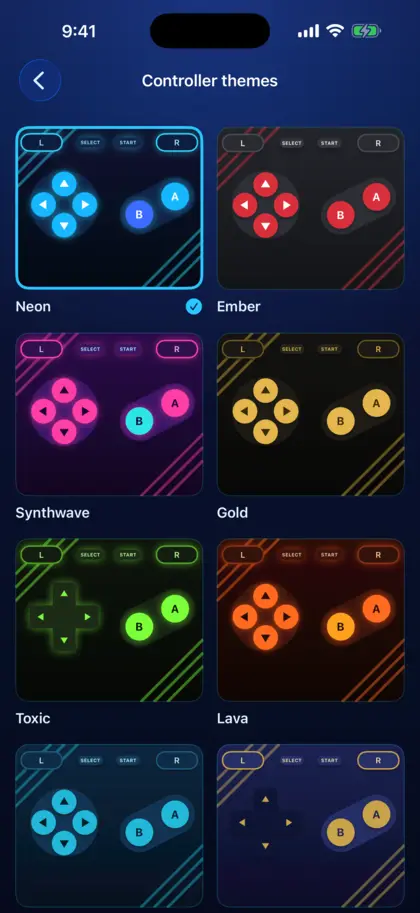
Neon controller themes
Pick a look for the touch controls, each with its own press effect and feel. Move and resize every button in the layout editor.
Easy import
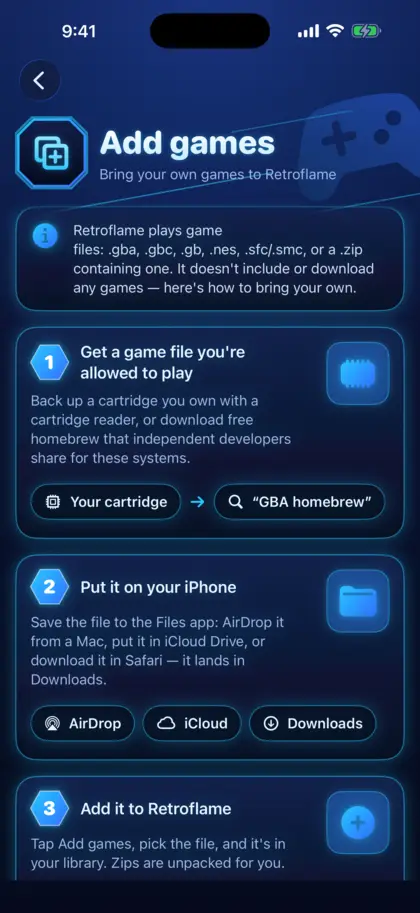
Add files from the Files app, AirDrop, iCloud Drive or a zip. Retroflame unpacks archives and names your games for you.
Made to feel like a console
Real screens from the app — in your language.
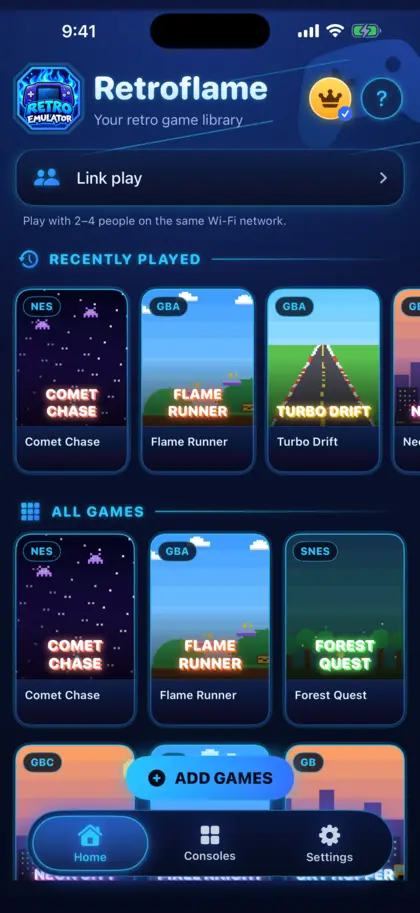
Grab a controller. Play like it's the real thing.
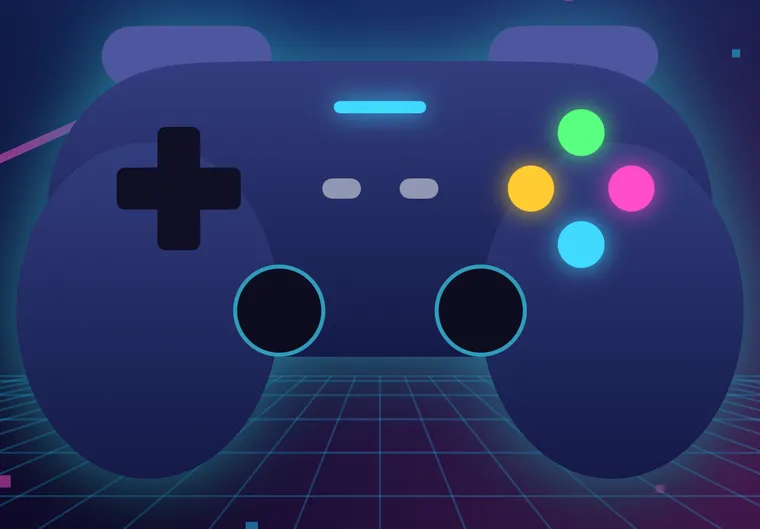
Pair a Bluetooth game controller and Retroflame maps it for you. The touch controls step aside, and come back the moment you touch the screen.
- Works with popular Bluetooth game controllers
- Buttons mapped by position, so they feel right
- Strong haptic feedback on touch controls
Play together on the same Wi-Fi
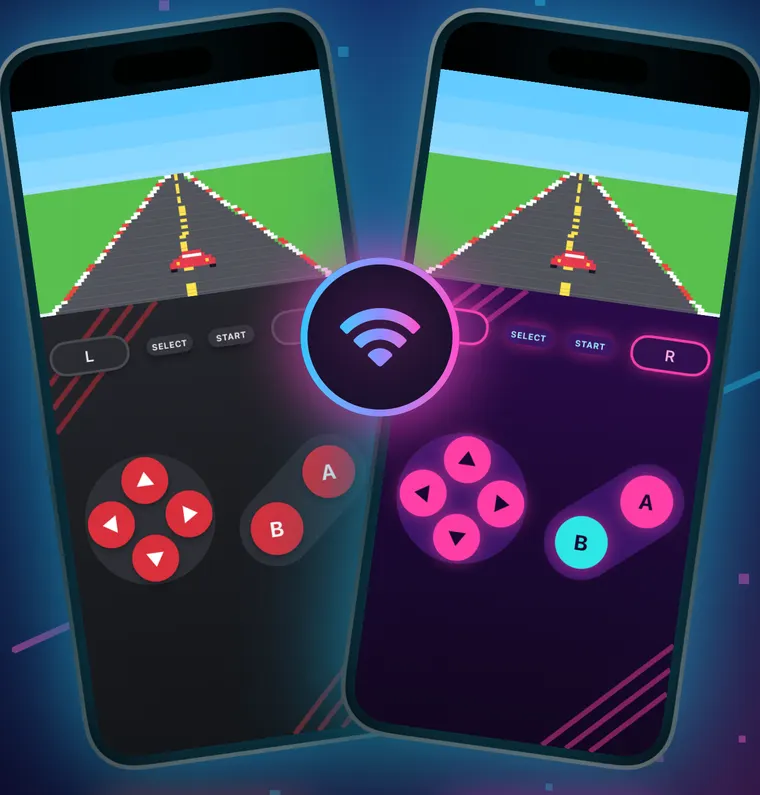
Link up with friends nearby, like a link cable without the cable. No server and no account: devices talk to each other directly.
- Host a game and friends nearby join
- Every player uses their own copy of the game
- Nothing is sent over the internet
Retroflame plays the games you own
Retroflame doesn't include, sell or download any games or system software. Add your own legally obtained game files — such as backups of cartridges you own or free homebrew — and play them on your iPhone or iPad.
.gba.gbc.gb.nes.sfc.smc.zipQuestions, answered
Is Retroflame free?
Yes. Retroflame is free to download and play, supported by ads. An optional upgrade removes ads and unlocks extras such as local multiplayer and more controller themes; the App Store shows what's included and the price before you buy.
Does Retroflame come with games?
No. Retroflame includes no games and no system software. You add game files you own, for example backups of your own cartridges or free homebrew.
Which game files can I play?
Retroflame opens .gba, .gbc, .gb, .nes, .sfc and .smc files, and zip archives that contain one.
How do I add games?
Save the file to the Files app (with AirDrop, iCloud Drive or a download), then tap Add Games in Retroflame and pick it. The in-app guide walks you through it.
Does it need an internet connection?
No. Your games, saves and settings stay on your device and play offline. Multiplayer uses your local Wi-Fi, not the internet.
Can I use a game controller?
Yes. Pair a Bluetooth game controller in iOS Settings and Retroflame uses it automatically.
Does it work on iPad?
Yes. Retroflame runs on iPhone and iPad, in portrait and landscape, with layouts made for each.
Your childhood games are waiting
Download Retroflame free on the App Store and bring your game collection to your iPhone and iPad.